
BzzBzz
A tiny printer with a big heart 💛
With BzzBzz create your own mini memories, share an update with friends and family, and turn conversations into real, tangible moments, come home to beautiful messages waiting for you.
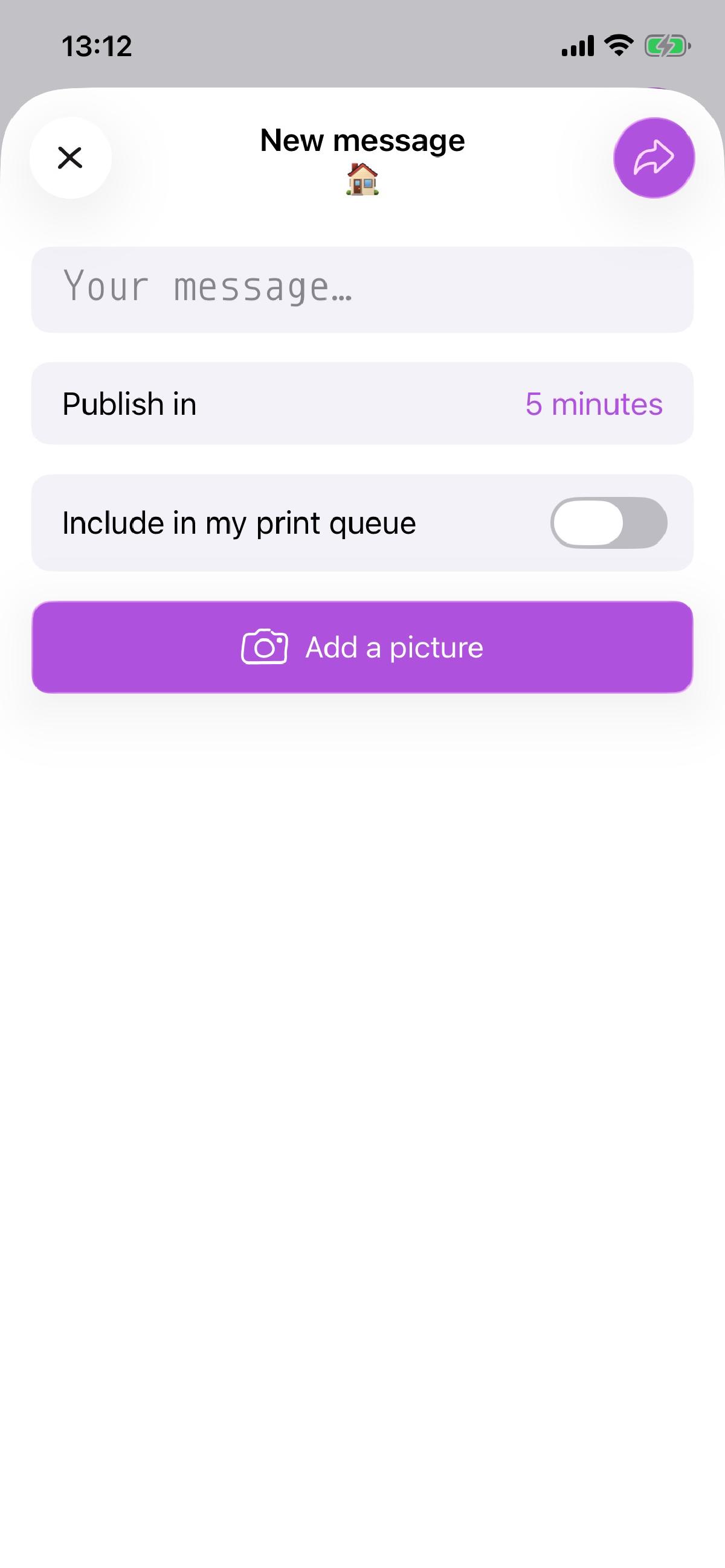
Send a text, photo, or both from your phone, and somewhere else a small printer hums to life, sharing recipes, jokes, todo lists, or simple “thinking of you” messages. No feeds to scroll, no notifications fighting for your attention, just quiet words on paper.
It’s slow tech for warm connections. Because some messages deserve to be held, not just read.
Tell me more!
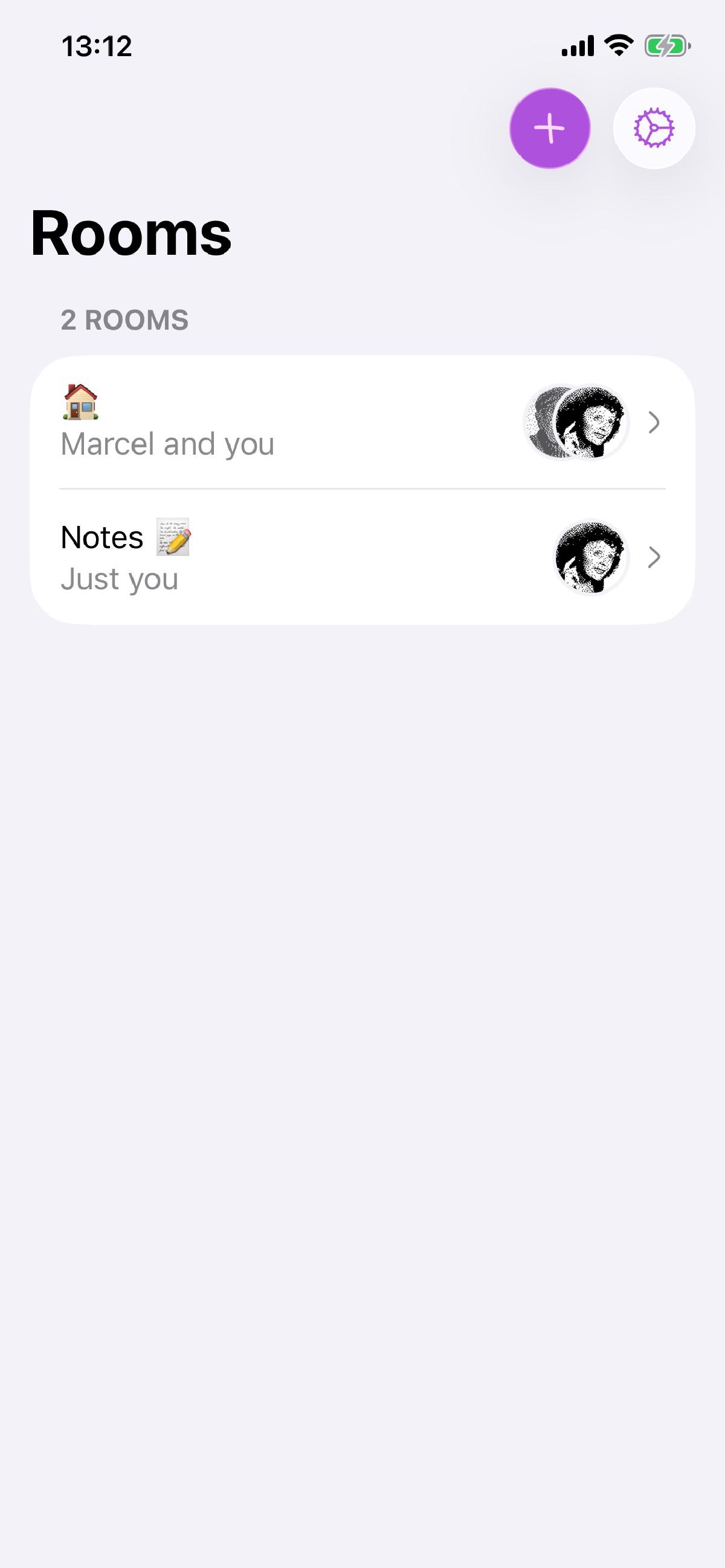
BzzBzz lives somewhere between old-school and instant. You send a message like you would in a chat app, but instead of disappearing into a feed, it quietly makes its way to a real printer.
Conversations happen in shared rooms.
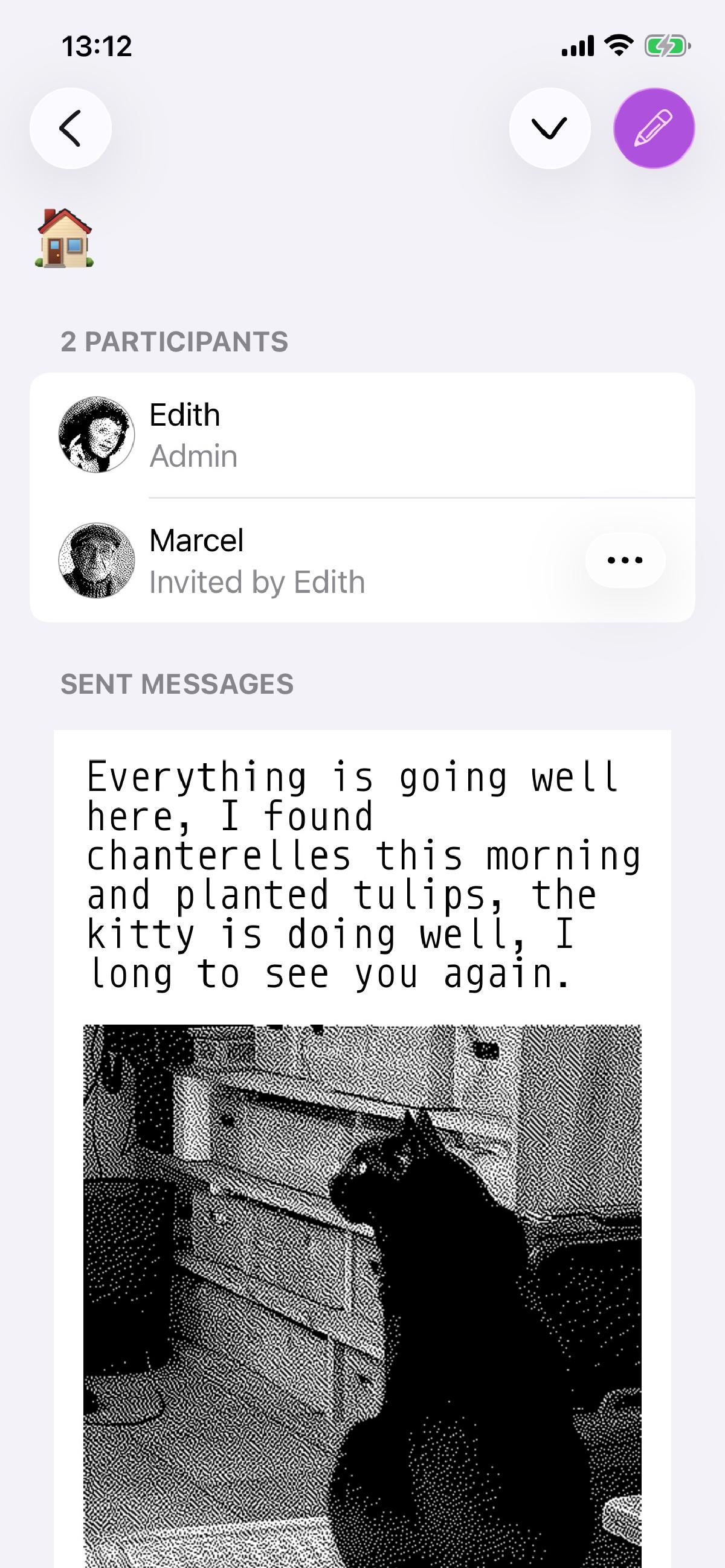
Each room is a small circle of people who all have a BzzBzz printer. When someone posts a message, every printer in the room receives it and prints it, so everyone stays connected in a wonderfully physical way.You’re always in control of the rhythm.
Set printing schedules to decide when your printer is allowed to wake up, mornings only, evenings, or just when you’re home. Messages sent outside those hours patiently wait their turn.And it’s not just for the tech-savvy.
You can create an account for a loved one : a grandma, a parent, a relative. Pair it with a printer, invite the whole family, and let the messages flow. They don’t need an app or a screen: their printer becomes their window to the conversation.Made to be felt, not archived.
BzzBzz doesn’t try to replace instant messaging or become a permanent record. Messages aren’t meant to be read on a screen, and your sent memories are only kept for a short time before fading away. What matters is the moment they arrive, the paper you hold, and the space they take in your day. Not for urgent conversations, and not for important documents, just for staying warmly connected.Your conversations stay with you, and only you.
BzzBzz has been designed so that messages are encrypted end-to-end, meaning only the intended printers can read them. We never store your messages for more than 7 days, and they disappear automatically after that. Whether it’s text or images, nothing lingers in the app or on our servers, just the moment you hold in your hands.
It’s messaging, slowed down on purpose. Because sometimes the best way to receive a message… is on paper.
How do I get one!
BzzBzz is currently in beta, and printers are handmade with love, but with patience as well. Feel free to contact me to request one, and let’s chat!
I just got one, how do I get started?
Welcome to the BzzBzz world! Let’s get you ready in just a few tiny steps:
- Create an account in the app
- Plug your printer into a USB-C charger to turn it on
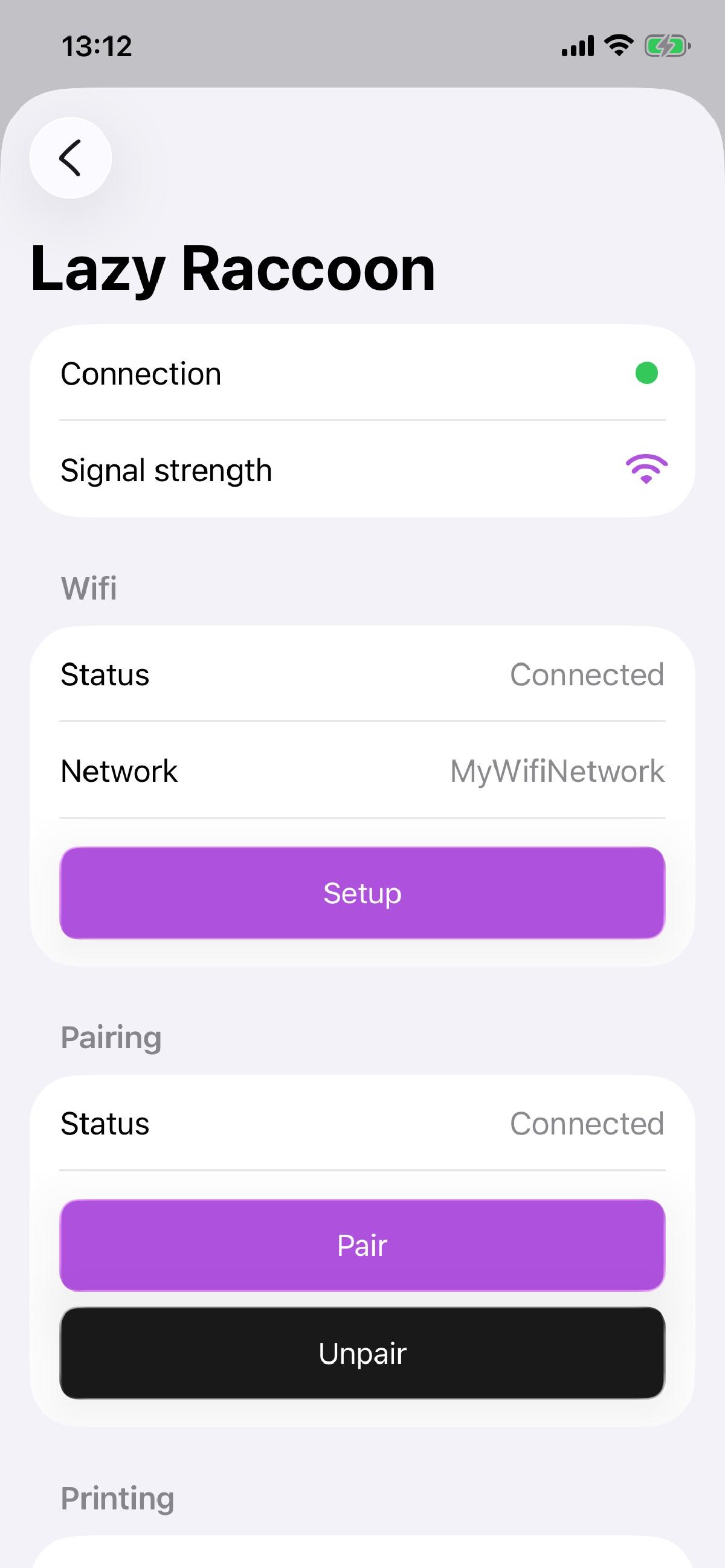
- Find it in the app under Settings > Printers
- Connect it to your Wi-Fi so it can receive messages
- Pair it with your account now it knows it belongs to you
- Set your printing schedule to decide when messages can arrive
- Create a room for your friends or family
- Invite people by email
- Send a thought and watch it come to life on paper!
It’s that easy, in just a few steps, you’re ready to start sharing little moments that brighten someone’s day.
I have some many questions!
Here is a quick list of things to know about your new companion.
How much does it cost?
At the moment, the app is free.
In the future, the planned pricing is as follows:
- the device will be available for €50
- each user will be able to send an unlimited number of photos to print over Bluetooth to their own device
- a €3/month subscription will be required to send messages in a conversation, beyond 2 messages per month
As this is a new product, these details may change.
I was sent a message, but I haven’t received it yet
Check that your BzzBzz is working properly (solid white LED). If it is, your message should arrive shortly! BzzBzz checks for pending messages at most every 5 minutes. Otherwise, open the app while near your device so it can help identify the issue.
What do the LED color mean?
- White and steady, all is well!
- Red and blinking (3s on, 0.5s off): your Wi-Fi connection seems wrong, reconfigure it from the app
- Yellow and blinking (1s on, 0.2s off): your device is no longer paired, fix it with a quick tap in the app
- Blue and blinking (0.5s on, 0.5s off): check that you still have paper and that the door is properly closed
- Purple and blinking (0.1s on, 0.1s off): your device is updating itself, it should reboot shortly!
What is that button in the back?
While I have a lot of plans for it, for now the button acts in two simple ways:
- when the BzzBzz is ready (white and steady LED), press it for at least a couple seconds to reprint messages from the last 24 hours
- when the BzzBzz seems to be having troubles (blinking LED), press it for at least a couple seconds to print what is wrong (unless the printer itself has an issue)
- you can also clear out your printing queue by pressing it for more than 10s. careful, you will no longer be able to print those messages. pressing again for 2s will reprint the last 24hrs, but that’s it
The printed messages are faded, or my BzzBzz stops while printing them
Hook it to a USB-C charger, ideally fast charge. Your BzzBzz requires at least 10W to print properly.